 Photoshop
 Maya
Maya ZBrush
 Houdini
 Substance Painter
 Blender
 Unreal Engine
 Arnold
 Nuke
Nuke KeyShot
 V-Ray
V-Ray Mari
Mari Marvelous Designer
 Marmoset Toolbag
 Substance Designer
 3ds Max
 3DCoat
 Redshift
 Faceform Wrap
 Lightroom
 After Effects
 OctaneRender
 SpeedTree
 Daz 3D
 Agisoft Metashape
 Fusion
 Modo
Modo RealityCapture
 Gaea
Gaea Cinema 4D
 Gravity Sketch
 Premiere
 Procreate
 Clip Studio Paint
 SketchUp
 SketchBook
 Katana
 Natron
 Mudbox
 Quixel Bridge
 Quixel Megascans
 Quixel Mixer
 Substance 3D Modeler
 World Creator
 Yeti
Yeti Ziva VFX
 Mixamo
 Adobe Medium
 Quixel DDO
 xNormal
 Meshmixer
 Storyboard Pro
 DaVinci Resolve
 TreeIt
 World Machine
 Gaffer
 Corel Painter
 SynthEyes
 Krita
Krita Massive
 Materialize
 Unity
Unity Ornatrix
 PreForm
 Moi 3D
 animBot
 QuickTime
 ReCap
ReCap
















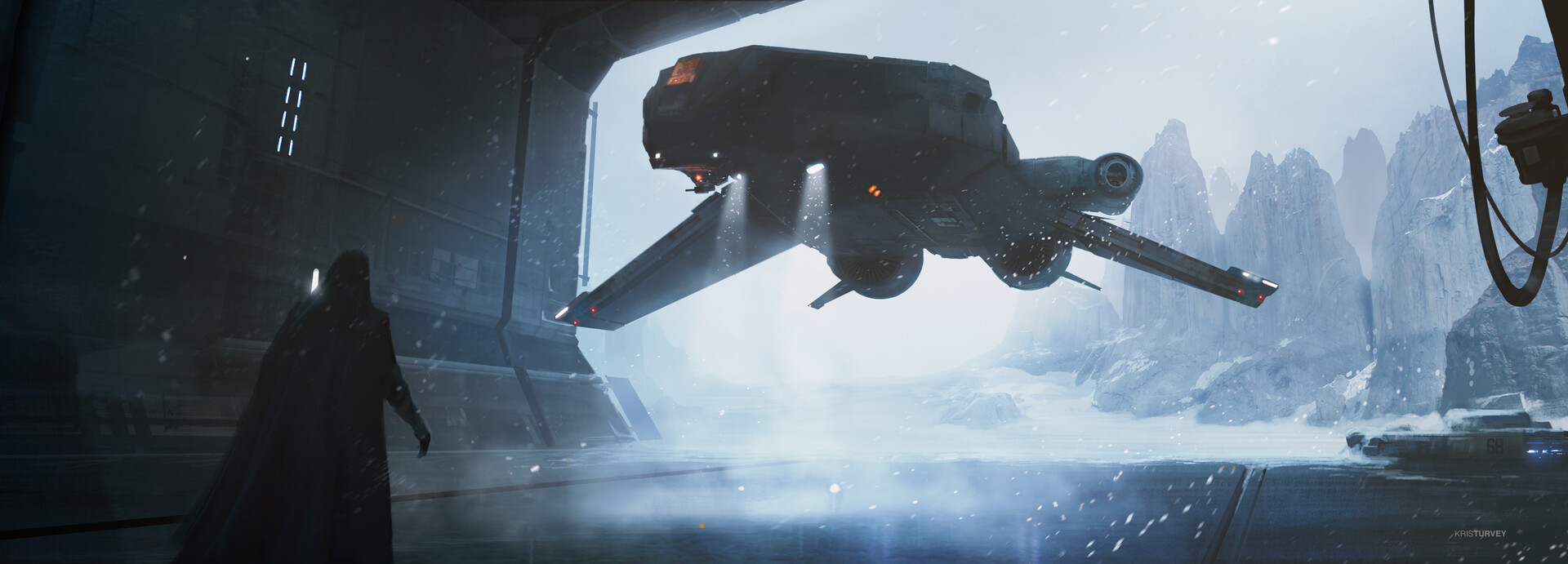
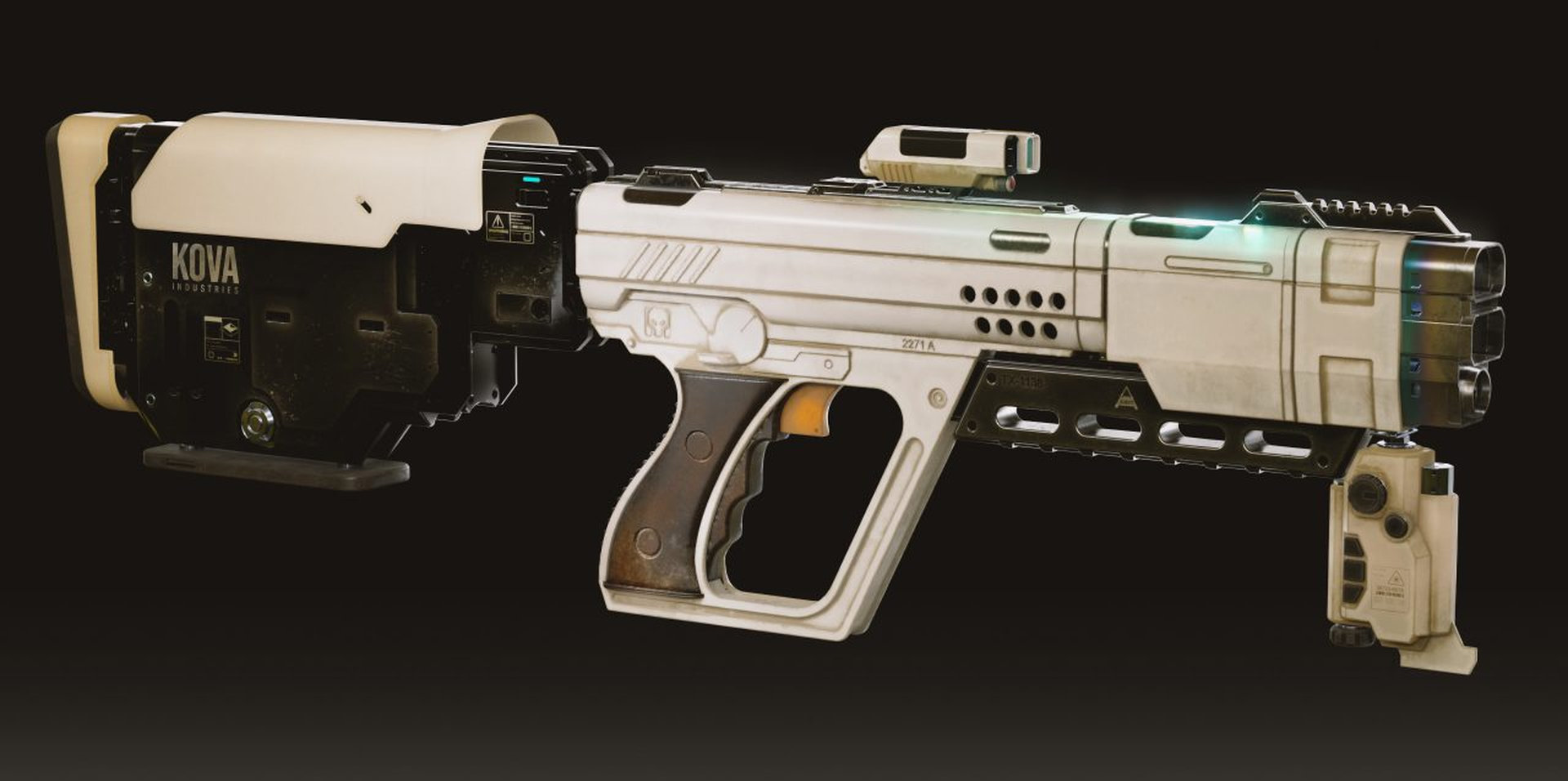
In this 3-hour workshop, concept artist Kris Turvey demonstrates his complete workflow for designing and modeling a sci-fi prop for production. Beginning with his mind-mapping process to generate ideas, he explains how to develop concepts quickly with quick sketching in Photoshop. He then demonstrates how simple techniques using the Airbrush and Selection tools can take your ideas to a more advanced presentation stage.
Moving on from Photoshop, Kris takes a selected design into Fusion, showcasing the various parametric 3D modeling techniques he uses to create fabrication-ready 3D models. To complete the workflow, he then demonstrates how to take your final Fusion model into Substance Painter to apply materials and generate final presentation renders efficiently.
Throughout the workshop, Kris shares an in-depth look at his key design principles for designing objects that quickly and effectively communicate their functionality to an audience. By the end of the tutorial, artists will have developed a sound understanding of the professional techniques needed to underpin strong designs and will understand how to develop a solid pipeline for future concept design projects.
Kris’s final Fusion file is included as a downloadable project file with this workshop.
13 Lessons
In this workshop, Kris takes you through a realistic prop project, starting with the initial concept and ending with polished, presentation-ready renders. Along the way, you’ll learn how to think creatively about designing props that feel functional and fit the story, while also building the technical skills needed to create them at a professional level.
Duration: 2m 34s

In this lesson, Kris focuses at prop design for film. The instructor defines what a prop is, specifically the hero prop, and how they differ from other pieces in the scene. Items like these must immediately communicate purpose and function to audiences who may only glimpse them briefly. Creating this instant read and memorability is a skill essential for creating believable and compelling assets in film.
Duration: 6m 21s

In this lesson, Kris continues his explanation of props by breaking down the language of objects and how artists can tell stories through them. Understanding the unconscious visual language that audiences use to interpret functionality and meaning is vital; by applying principles of affordances, form-function relationships, and appropriate complexity, artists can create fictional objects that feel believable and support storytelling within the critical three-second window.
Duration: 31m 48s

In this lesson, Kris presents us with a project brief describing the project and prop we will be focusing on in this workshop. He discusses why real-world productions are dominant in the industry and walks through the basics of film production, including team structure, workflow stages, and how to work within the limits of a creative brief. These are core skills that apply across all genres and types of projects.
Duration: 16m

In this lesson, Kris dives into the creative brief by spending time on mind mapping and functional analysis. This helps him establish a clear direction based on logical design principles before starting any actual design work. By taking this approach, the final prop meets the brief’s requirements and communicates clearly to the audience, instead of just looking cool without a real purpose.
Duration: 9m 42s

In this lesson, Kris shows an efficient prop design workflow that puts creative exploration first. He starts with loose idea generation based on the earlier brainstorming, then narrows things down and adds reference and polish only to the strongest concepts. This approach helps artists present clients with truly varied options, instead of multiple versions of the same idea refined too early.
Duration: 30m 20s

Building on the previous lesson, Kris shows a structured way to review and judge his concepts, including being willing to reject ideas that don’t meet the core requirements. He then iterates on the strongest ideas by quickly sketching variations and comparing them, which helps him discover better designs. By working through proportions, mechanisms, and functional details in 2D sketches first, Kris enters the 3D modeling stage with a clear direction.
Duration: 19m 52s

In this lesson, Kris gives a quick introduction to Fusion 360, showing why it’s a useful tool for prop design in film. With parametric modeling and an editable timeline, Fusion 360 makes it easy to adjust designs without starting over, while only relying on a few core skills, like sketching, extrusions, and boolean operations, to build complex models. Using Fusion 360 allows artists to focus less on technical topology and more on creating designs.
Duration: 9m 53s

In this lesson, Kris begins working in Fusion 360, using his finished concept sketches as a starting point. By taking advantage of symmetry and mirroring, and by keeping real-world manufacturing limits in mind, he builds a complex, believable prop that feels like a futuristic product. He stresses the importance of checking how things actually work, such as testing the door mechanism with real joints, so the final design isn’t just good-looking, but mechanically believable too.
Duration: 26m 13s

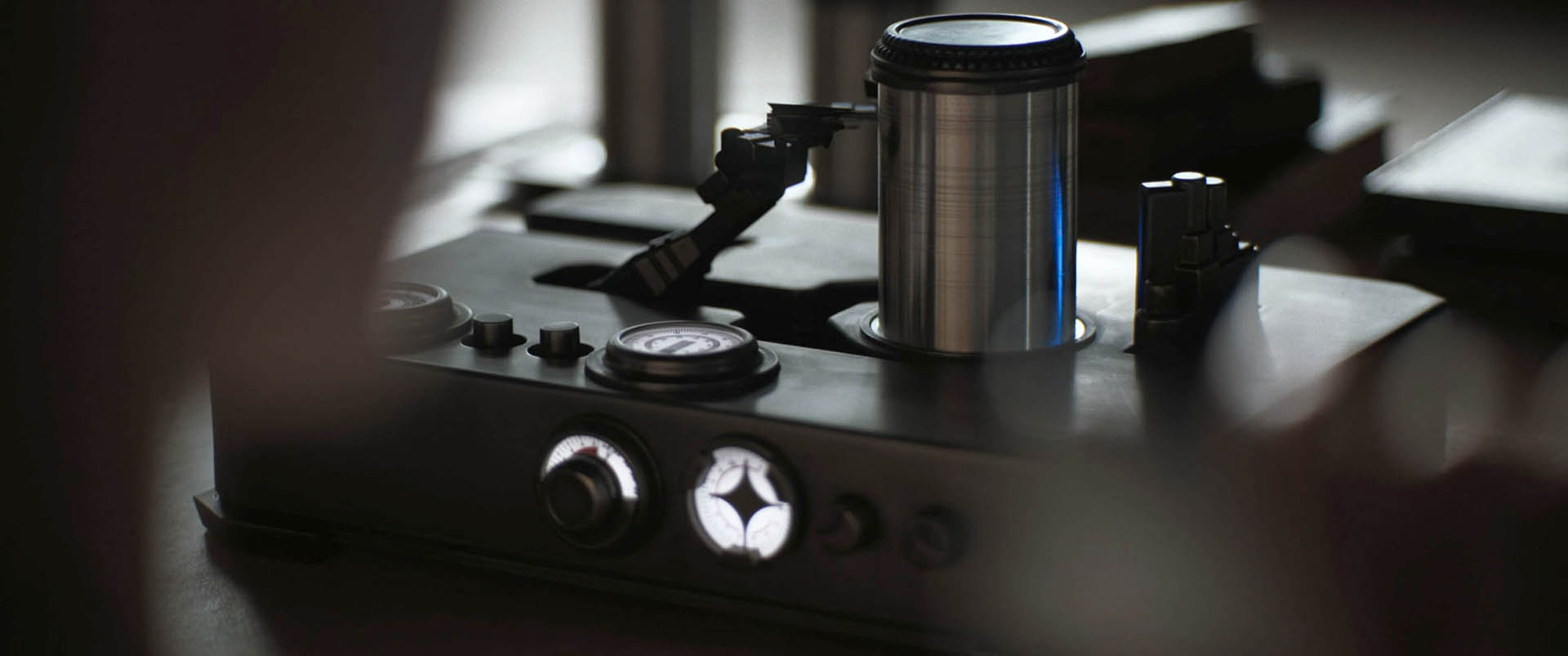
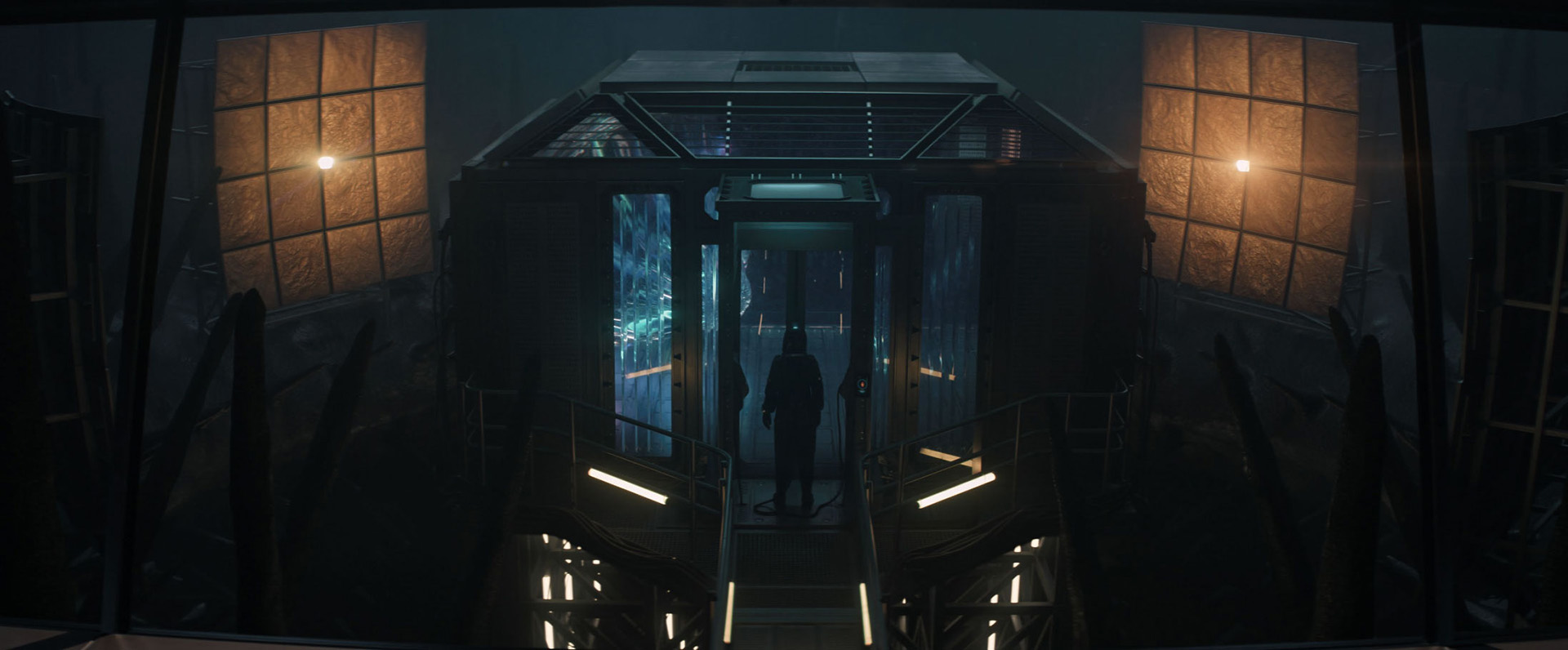
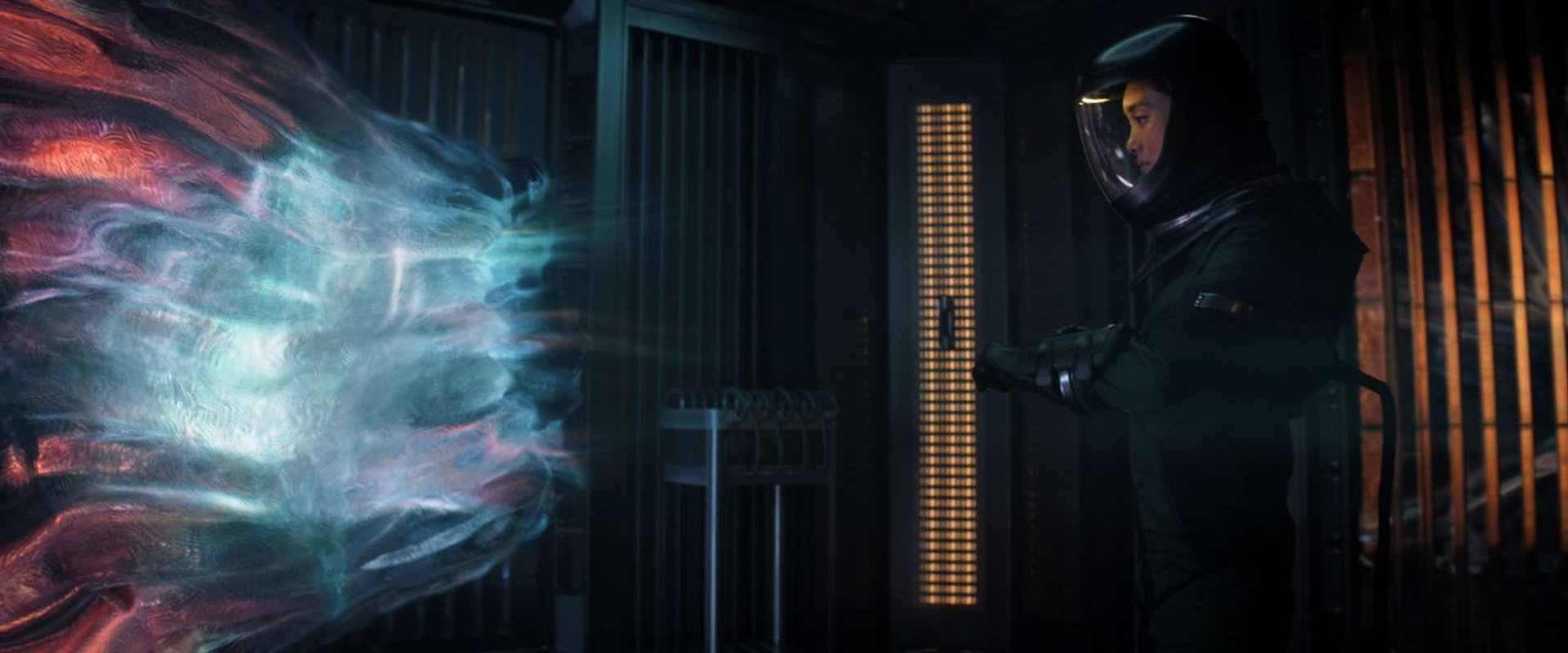
Continuing in Fusion 360, Kris uses a selection of KitBash3D assets to quickly enhance his design. He stresses the importance of making deliberate choices based on real-world manufacturing logic, while still aiming for originality instead of copying existing designs. By combining efficient workflows, thoughtful reference use, and a willingness to experiment in 3D, Kris's final DNA scanner prop comes together with a believable but distinctive sci-fi look.
Duration: 20m 6s

In this lesson, Kris gives an overview of Substance Painter and explains why it’s a practical tool for quickly creating presentation-quality textures. He shows how its layer-based workflow and large material library make it easy to get good-looking results fast. Although the final prop won’t use these digital textures, they’re important for approval and presentation renders.
Duration: 14m 3s

In this lesson, Kris moves into Maya and focuses on speed by using automatic UVs to prep the prop for texturing, which is well suited to film pre-production concept work. Kris explains that many aspects will be handled later by specialists in the production pipeline; the goal here is to quickly visualize and communicate the design’s function and look through presentation materials, so stakeholders can approve the concept before moving into physical fabrication.
Duration: 13m 50s

Kris wraps up this workshop, reinforcing the idea that effective prop design relies on understanding and intentionally applying fundamental design principles that create a visual language audiences can read. While technical software skills are useful, they're temporary tools that will change over time. The most valuable investment artists can make is building strong foundational knowledge in design theory and visual principles.
Duration: 2m 45s

Primary tools
For this workshop you’ll need:


* Note that these programs and materials will not be supplied with the course.
Project Files
By downloading this workshop file, you will have access to the final production-level project file from Kris Turvey's lessons. This is the final model, which you can explore at your convenience:
- Final model (.f3d) – The final Fusion project file that contains the model used in this workshop
Skills Covered
Who’s this Workshop for?
This workshop is designed for junior concept artists and 3D modelers who want to develop a complete production pipeline for sci-fi prop design. It's particularly valuable for artists working in entertainment, gaming, or even product design who want to make assets that are or feel fabrication-ready.
The comprehensive approach from initial concept to final render and composite makes this workshop ideal for anyone looking to strengthen their technical design skills and understand expectations for production prop design processes. For those interested in industrial, product, and hardsurface design, the introduction to Fusion 360 will be uniquely significant as Kris Turvey shows his professional workflow.
Learning Outcomes
By completing this workshop, artists will have developed a comprehensive understanding of professional sci-fi prop design, from initial concept to complete, fabrication-ready 3D models.
Key skills include:
- How to use mind-mapping techniques to generate creative ideas for sci-fi prop concepts.
- How to develop quick concept sketches in Photoshop using efficient digital painting techniques.
- How to build to scale 3D models in Fusion 360 for accurate fabrication and production requirements.
- How to apply professional materials and texturing workflows in Substance Painter for realistic renders.
- How to communicate object functionality effectively through clear visual design language and presentation.
- How to establish a reliable pipeline for consistent concept design project delivery.